Invoice app for arborists and tree service operators
Tree work has details that are easy to forget after the crew leaves: species, access constraints, disposal, emergency fees, and cleanup.
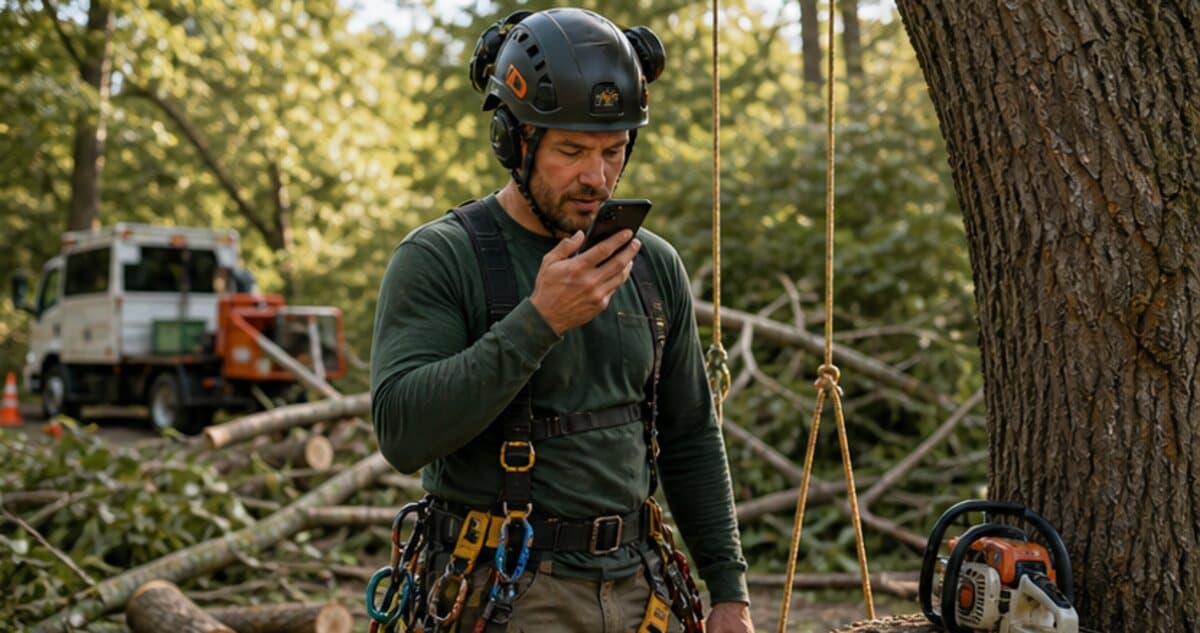
Example voice note
"Oak limb removal on north fence line. Three-person crew, bucket truck, debris hauled, stump grinding scheduled next week."
Draft line items to review
- Crew labor
- Bucket truck service
- Debris hauling
- Follow-up stump grinding
Field billing problem
Built around how arborists actually remember the job.
InvoiceGenius gives arborists a faster way to capture tree-service billing details while the crew is still on site. Speak the species, work performed, equipment, disposal, access notes, and follow-up work, then review the invoice draft before it goes to the customer.
What to say in the voice note
- Tree species, location, and work performed
- Crew size, hours, equipment, and access constraints
- Debris hauling, chips, logs, stump grinding, and disposal
- Emergency, storm, crane, bucket truck, or weekend fees
- Follow-up work, customer approvals, deposits, and final payment terms
Invoice examples
Common drafts arborists can create from a quick note.
Limb removal
Crew labor, bucket truck service, rigging, debris hauling, and cleanup around the fence line.
Storm call
Emergency response, hazard removal, after-hours fee, disposal, and customer-approved extra work.
Stump follow-up
Scheduled stump grinding, root cleanup, mulch removal, and remaining balance after deposit.
Voice-to-invoice workflow
From finished work to customer payment link.
The goal is not to send an unchecked invoice. The goal is to create a strong first draft, review it, and send the customer a clean link while the job details are still fresh.
Step 1
Speak the tree, equipment, crew time, and cleanup details before leaving.
Step 2
Review the draft invoice for wording, scope, totals, and due date.
Step 3
Send the customer link for deposit, final payment, or scheduled follow-up.
Step 4
Keep the invoice and payment status tied to the customer record.
01
Turn field notes into structured line items while the work is still clear.
02
Preserve customer and worksite context for repeat service.
03
Collect deposits or final payment through the invoice link.
When to choose InvoiceGenius
Use a vertical arborist platform if you need deep estimating, tree inventory, maps, or compliance tools. Use InvoiceGenius for fast voice-to-invoice billing.
Frequently asked questions
Questions from arborists comparing invoice tools.
Can arborists include equipment charges?
Yes. Bucket truck, crane, rigging, stump grinder, emergency call, and hauling charges can be spoken into the job note and reviewed as invoice line items.
Can InvoiceGenius handle deposits and final payments?
InvoiceGenius is built around reviewed invoices and customer payment links. You can use it when you need to collect a deposit, send a final invoice, or bill a follow-up service.
Does this replace arborist estimating or tree inventory software?
No. Use specialized arborist software when estimating, mapping, compliance records, or tree inventory are the main workflow. Use InvoiceGenius when the immediate problem is getting the invoice sent from field notes.