Invoice app for cleaners who need faster customer billing
Cleaning jobs often include add-ons, supplies, and recurring terms that get buried in texts or memory.
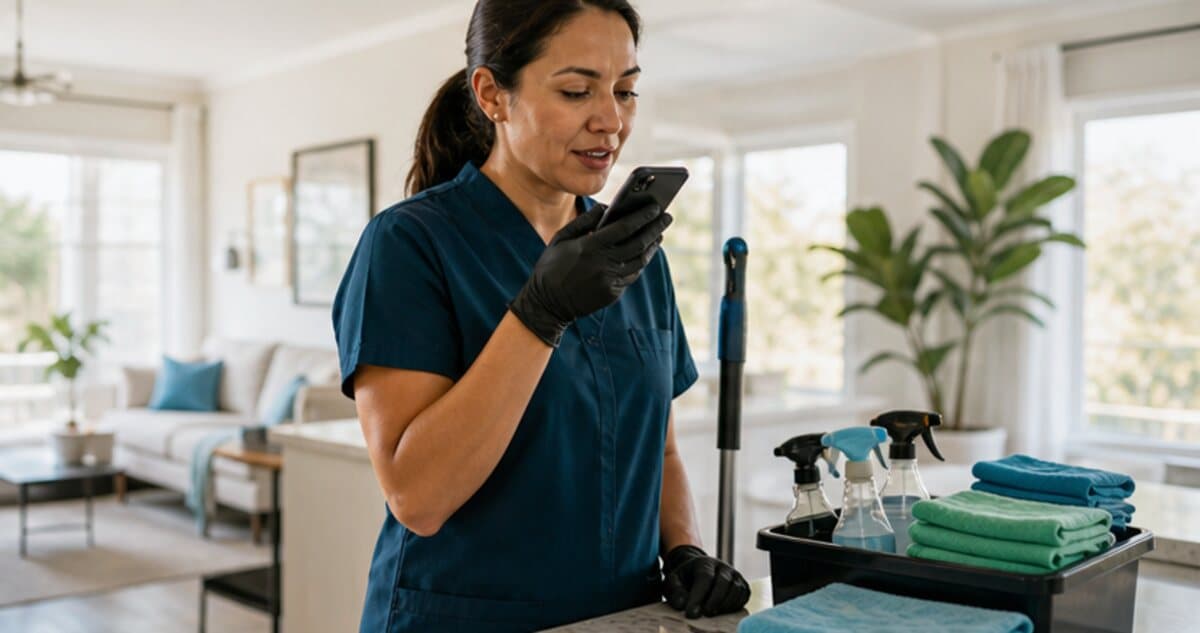
Example voice note
"Move-out clean for unit 4B. Four hours, oven deep clean, window tracks, supply fee, recurring monthly option discussed."
Draft line items to review
- Cleaning labor
- Deep-clean add-ons
- Supply fee
- Recurring service option
Field billing problem
Built around how cleaning businesses actually remember the job.
InvoiceGenius helps cleaners and cleaning business owners turn post-job notes into invoice drafts before add-ons get forgotten. Speak the job type, hours, supplies, deep-clean extras, recurring terms, and payment expectations right after the visit, then review the customer-ready invoice.
What to say in the voice note
- Customer, property, unit, room count, and service date
- Hours worked, team size, and job type
- Add-ons such as oven, fridge, windows, baseboards, or move-out work
- Supply fees, access notes, parking, laundry, and special instructions
- Recurring schedule, deposit, balance due, and payment terms
Invoice examples
Common drafts cleaning businesses can create from a quick note.
Move-out clean
Cleaning labor, oven and fridge add-ons, supply fee, window tracks, and final payment link.
Recurring service
Weekly or monthly service, standard cleaning scope, recurring terms, and one-off extras.
Deep clean
Longer labor block, detailed add-ons, supplies, access notes, and customer-approved extra rooms.
Voice-to-invoice workflow
From finished work to customer payment link.
The goal is not to send an unchecked invoice. The goal is to create a strong first draft, review it, and send the customer a clean link while the job details are still fresh.
Step 1
Speak the room count, hours, add-ons, and supplies after the job.
Step 2
Review the invoice draft for service type, recurring terms, and totals.
Step 3
Send the payment link before the next appointment takes over.
Step 4
Use payment status to know which customers still need a reminder.
01
Capture add-ons before they turn into awkward follow-up.
02
Create one-time or recurring invoice drafts from the same mobile app.
03
Let customers pay online without adding an InvoiceGenius markup.
When to choose InvoiceGenius
Use a cleaning-specific platform if you need route density, cleaner assignment, and house-access logistics. Use InvoiceGenius for fast billing from field notes.
Frequently asked questions
Questions from cleaning businesses comparing invoice tools.
Can cleaners invoice one-time and recurring jobs?
Yes. InvoiceGenius can help create drafts for one-time jobs, deep cleans, move-out cleans, and recurring service. Review the details before sending each customer link.
Can add-ons be included in the invoice?
Yes. Speak add-ons such as oven cleaning, window tracks, refrigerator cleaning, supplies, extra rooms, or laundry so they are captured in the draft.
Is this a cleaning scheduling platform?
No. Use a cleaning operations platform if cleaner assignment, route density, house access, and scheduling are the main problem. Use InvoiceGenius when faster billing from field notes is the main problem.